
Backups That Recover: Acronis Cyber Protect for UK Businesses
A copy inside the same service is not a backup. What to protect, the 3-2-1 rule, and how Acronis Cyber Protect on our Cambridge cluster is used to restore it.
A backup is a copy you can get back when the original is gone, encrypted, or simply unreachable. A folder on the same disk, a recycle bin, or a cloud provider’s own retention window does not meet that test.
That distinction showed up again on 12 and 13 November 2026, when Microsoft 365 mail and collaboration were disrupted for more than 21 hours. People who had treated the live mailbox as the only copy of their work had nothing else to open. We wrote up what that outage means for dependence on a single platform in When the Cloud Goes Down. This article is the practical follow-on: what a recoverable backup looks like, and how we use Acronis Cyber Protect to provide one.
1. Retention is not a backup
Microsoft 365, Google Workspace and most hosting panels keep deleted items for a while. That helps when someone empties a folder by mistake and notices the same day. It does not help when:
- The account itself is compromised and the attacker deletes the retention too.
- Ransomware encrypts the live files and anything still attached to that machine.
- The platform is unavailable, so the “copy” is behind the same outage as the original.
- You need a file from three months ago and the retention window has already closed.
Microsoft’s shared-responsibility model says the provider runs the service. You are responsible for your information. A third-party backup is how that responsibility is actually met. Native retention is a convenience. It is not an independent copy.
2. The 3-2-1 rule, without the jargon
The useful version is short.
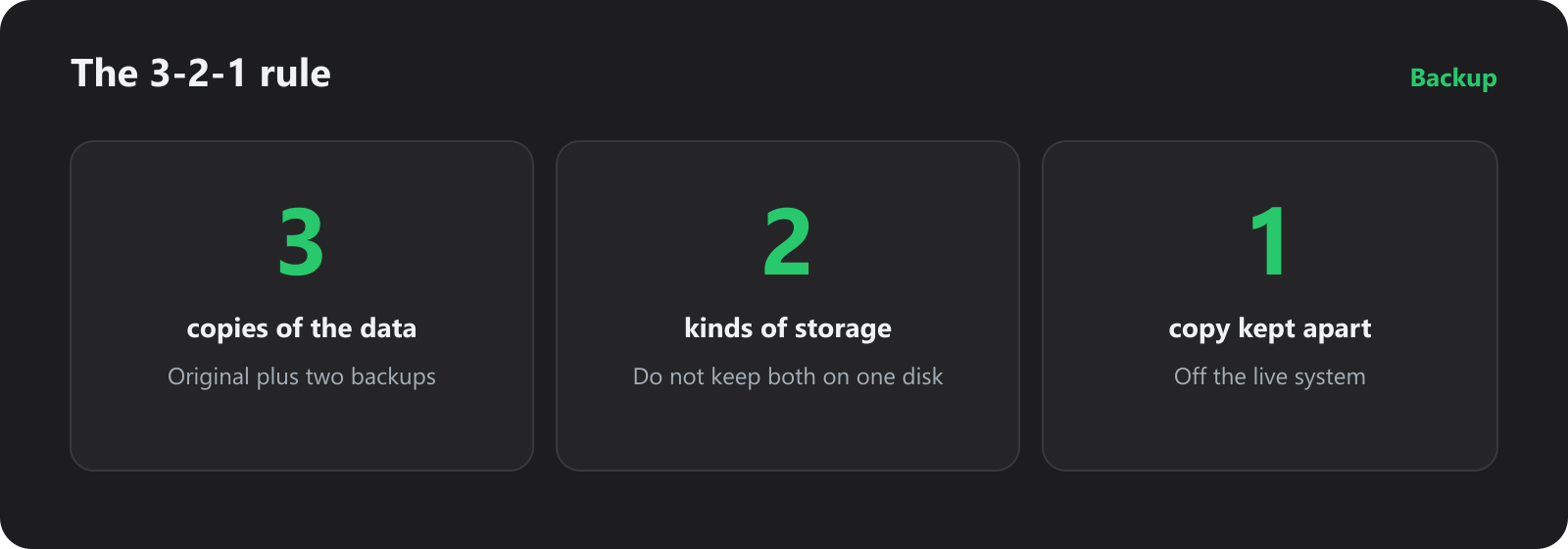
Three copies means the live data plus two backups. Two kinds of storage means those backups are not both on the disk that just failed. One copy kept apart means a fault in the office, or in the cloud account, does not take every copy with it.
For a UK business that usually means the working system, a recent local or on-server copy for fast restores, and a copy that lives somewhere else. At Fast2Host that somewhere else is our own Acronis infrastructure in the Cambridge data centre, not a folder on the same server.
3. What you actually need to protect
“Back up the server” is incomplete if the business also lives in Microsoft 365, on laptops, and in a database the website writes to every minute.
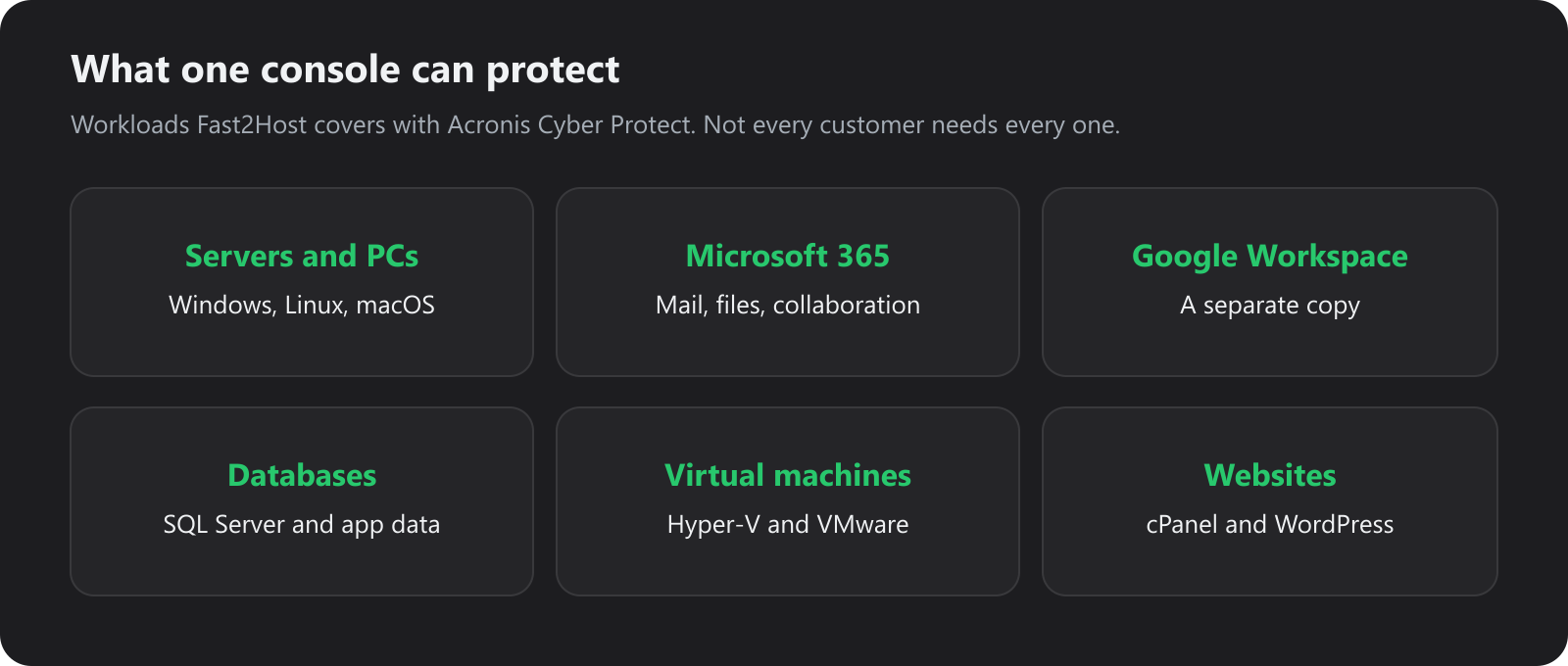
These are workloads we protect with Acronis Cyber Protect. WordPress and Plesk hosting already includes a daily Acronis backup, and many cPanel accounts we host are covered the same way. Servers, Microsoft 365 and the rest are scoped to what you actually run.
Decide by what would stop the business:
| If this disappeared | You need a copy of |
|---|---|
| The website | Files, the database, and mail if it shares the account |
| Microsoft 365 | Mailboxes, OneDrive and SharePoint, outside Microsoft’s retention |
| A line-of-business server | A full image, plus the database if the app is fussy about restores |
| Staff laptops | The documents that were never moved to the server |
One console for those jobs is the point of Cyber Protect. It is not a zip of last night’s web files and a separate tool for everything else.
4. A backup you cannot restore is a storage bill
The test is a restore, not a green tick on a job.
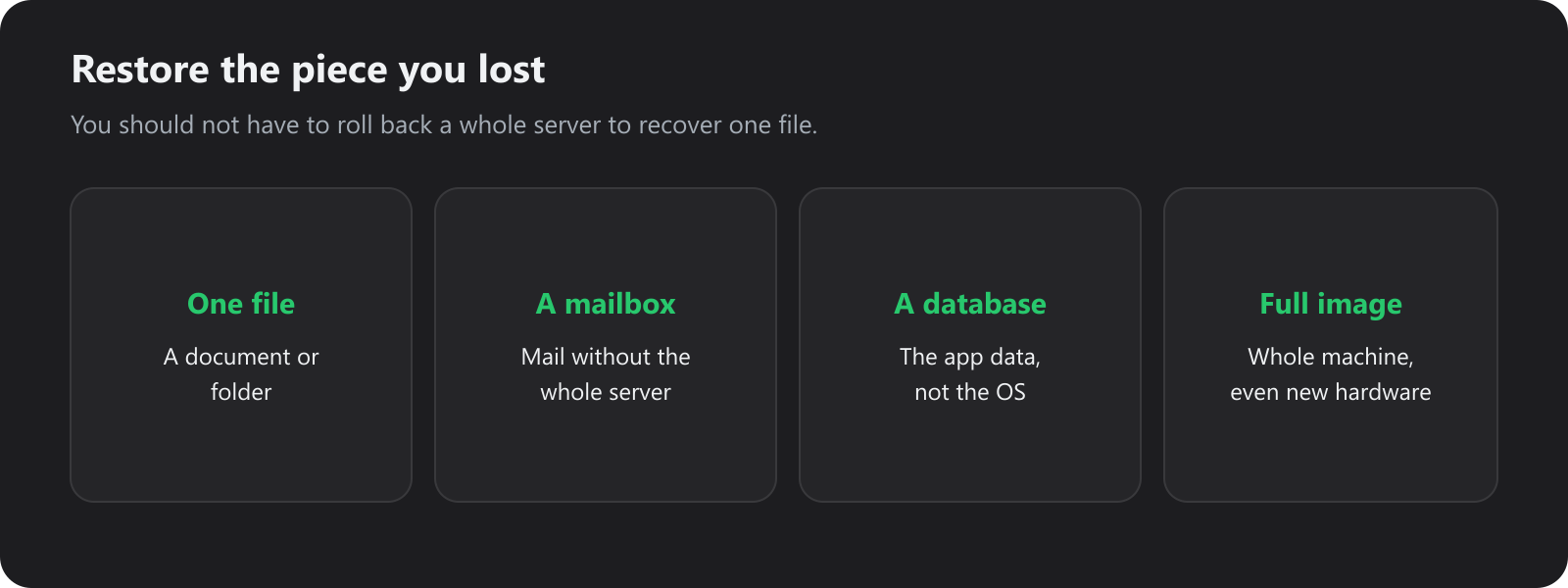
Acronis can restore a file, a mailbox, a database or a full image, including onto different hardware. On WordPress and Plesk hosting, those daily backups can also be restored from the control panel.
Ask three questions before you trust a product:
- Can you restore one file without rolling the whole machine back?
- Has anyone actually done that restore in the last few months?
- Who does it at 3am if you cannot: you, or the same engineers who run the backup platform?
A job that has never been restored is an assumption. We would rather find a bad job on a Tuesday than during an incident.
5. The copy has to survive the thing that broke the original
Ransomware does not only encrypt documents. It looks for backup drives, sync folders and admin credentials so it can encrypt those too.
Acronis Active Protection watches for that behaviour and rolls damaged files back from the clean backup chain. Copies are encrypted in transit with TLS and at rest with AES-256. Optional archive passwords mean the key is not sitting in the same place as the backup.
That is why Cyber Protect is backup and protection together, rather than a nightly copy plus a separate antivirus you hope is still licensed. The product detail, including plans, is on our Acronis Cyber Protect page. How we run it as a partner, on infrastructure we operate, is in Fast2Host is an Acronis partner, with our own cluster.
6. Where the backup lives
Location is part of the design, not a footnote.
By default, backups for this service stay on UK-hosted Acronis infrastructure in our Cambridge Tier III data centre. That keeps the primary copy under UK data protection expectations and on a short path back to a server or colo kit in the same facility. If you need a second geography, copies can also be replicated to other Acronis locations.
Two practical consequences:
- A restore for something we already host does not have to cross an ocean to come back.
- The people who take the ticket are the people who run the cluster, on a UK phone line, including overnight.
Private infrastructure still needs a plan. Encryption, a tested restore and a copy that is not on the live machine matter more than the logo on the agent.
7. What to do this week
You do not need a project plan. You need a list.
- Write down the systems the business cannot operate without for 24 hours. Include mail, files, the website and sign-in.
- For each one, name where the independent copy is. If the answer is “in the same Microsoft 365 tenant” or “on the same disk”, you do not have a backup yet.
- Restore one unimportant file, one mailbox or one database from that copy. Time it.
- Check the backup cannot be deleted by the same account a ransomware operator would steal.
- If the list has gaps, talk to us about Acronis for the servers, Microsoft 365 seats or hosted accounts you still need to cover. WordPress and Plesk hosting already includes daily Acronis backups, and many cPanel accounts we host do too. Wider estates are quoted on the workloads and storage you protect.
A backup is the copy you can open when the original has gone. Acronis Cyber Protect is how we make that copy, protect it, and put it back.
Fast2Host - UK Hosting. Real Infrastructure. Real Engineers.
Further reading
- Acronis Cyber Protect at Fast2Host
- Why we run Acronis on our own Cambridge cluster
- When the Cloud Goes Down: Microsoft 365 and single-provider dependence
- Cambridge data centre
This is general guidance, not a promise that any restore will take a particular number of minutes. Recovery time depends on how much data you have, where it sits, and what you are restoring. Test it against your own systems.