
Raspberry Pi, Mini PC, Intel NUC & NVIDIA Spark Colocation in Cambridge
Colocate Raspberry Pis, mini PCs, Intel NUCs and NVIDIA Sparks in our Cambridge Tier III data centre — rack mounts, power adapters, dual A+B feeds, networking and 24/7 remote hands.
Not every workload needs a full 2U enterprise server. Labs, IoT gateways, edge AI boxes, home-lab graduates and prototype clusters often arrive as Raspberry Pis, mini PCs, Intel NUCs or compact AI systems such as NVIDIA Sparks. Fast2Host colocates that class of hardware in our privately owned Cambridge Tier III data centre — with proper power, cooling, connectivity and remote hands, not a dusty shelf under a desk.
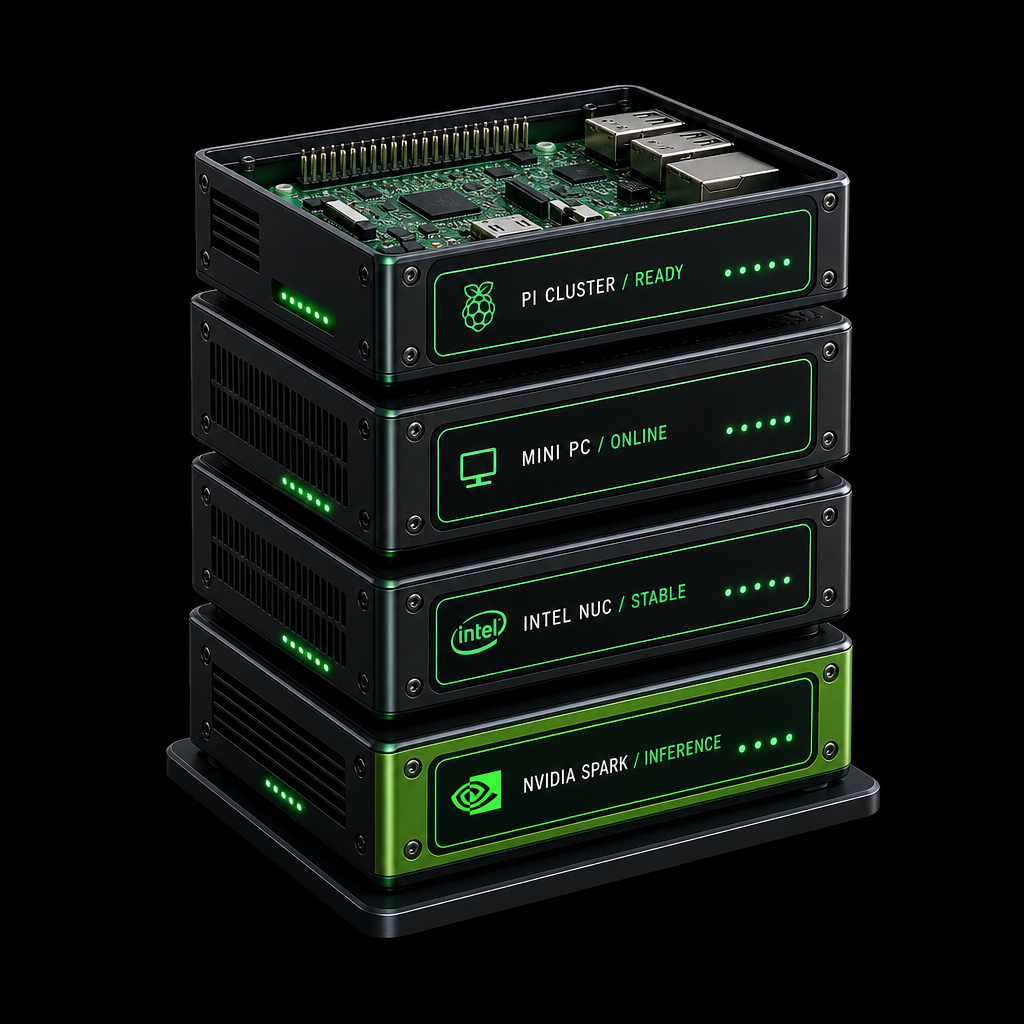
Bring-your-own compact kit — we provide the rack, power, network and remote hands.
This post covers what we accept, why colo beats running them at home, power and adapters, and everything included when small-form-factor kit goes into the cabinet.
What these devices are
- Raspberry Pi — credit-card single-board computers (Pi 3 / 4 / 5 and Compute Modules) for IoT gateways, DNS, Pi-hole, teaching labs and light clusters.
- Mini PCs — full computers in a small chassis (Lenovo, Beelink, Minisforum, Dell OptiPlex Micro and similar) for thin servers, VPN endpoints and private-cloud nodes.
- Intel NUCs (and NUC-class clones) — compact Linux/Windows boxes built for desks and labs; equally happy on a 1U shelf.
- NVIDIA Sparks and similar AI boxes — small-form-factor CUDA / inference systems for local LLMs and R&D, with higher power and cooling needs than a Pi.
If your board or chassis is unusual, send a photo and power rating before shipping. We will confirm mounting and PDU fit.
Why colo small devices at all?
Running a Pi or NUC at home is fine for a weekend project. Production is different:
- Always-on power with UPS and generator backup (dual A+B feeds)
- Precision cooling instead of a warm cupboard
- Carrier-grade networking, public IPs, BGP where needed, and always-on DDoS
- Physical security and auditors who expect a real facility
- 24/7 engineers who can reseat a USB stick or swap an SD card without you driving to Cambridge
- Remote power control where your package includes smart PDU outlets — reboot without a truck roll
Compact kit also costs less to own and draw far less power than a traditional 1U — so you reserve fewer amps and less cooling while keeping hardware you control (HATs, USB devices, boot media, GPUs).
If you already own the hardware, 1U–5U or a quarter rack is often cheaper and more controllable than renting equivalent cloud VMs — especially for always-on edge, CI runners, DNS, monitoring or local AI inference.
Devices we regularly host
| Device class | Typical uses | Notes |
|---|---|---|
| Raspberry Pi (3 / 4 / 5 and Compute Module boards) | IoT gateways, DNS, Pi-hole, k8s workers, labs | Shelf- or rack-mount; USB-C / micro / barrel PSUs supported |
| Mini PCs | Thin servers, VPN, media / archive | Low wattage; often several per U on a shelf |
| Intel NUCs and NUC-class clones | Compact servers, edge apps, labs | Same mounting and power approach as mini PCs |
| NVIDIA Sparks and similar AI boxes | Local LLM / inference, CUDA R&D | Higher draw — we size amps and cooling accordingly |
Typical applications
- Development & CI — staging boxes, build agents, teaching clusters
- IoT gateways — collect, filter and forward sensor data around the clock
- Private cloud / NAS — files, backups or remote desktop on hardware you own
- DNS, VPN & monitoring — Pi-hole, WireGuard, Prometheus, status pages
- Always-on edge apps — small sites, bots and APIs that outgrew a home desk
- On-prem AI inference — NVIDIA Spark / CUDA boxes with UK data residency
Power, adapters and what we supply
Small kit rarely ships with IEC C13 “server” plugs. That is normal — we plan for it.
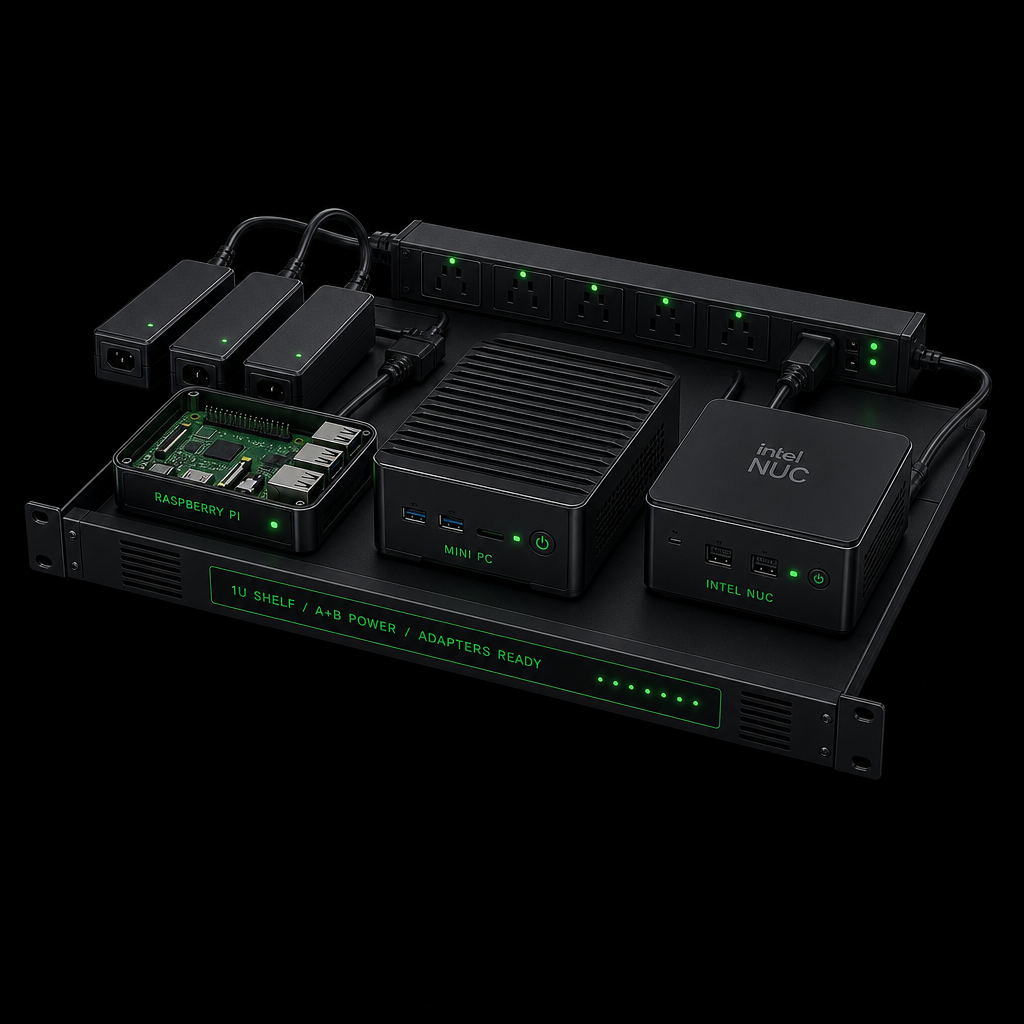
1U shelves, dual A+B PDU outlets and adapter-aware cabling — not a jumble of wall warts on the floor.
What you can expect from us
- PDU outlets on dual A+B feeds in your cabinet (capacity billed in amps — see why we charge in amps)
- Common adapters and leads for rack use: IEC → UK / Euro, IEC → C5 / C7 (“figure-8”), and extension where needed for short PSU cables
- Guidance on PSU wattage so your reserved amp bracket matches real draw (a Pi cluster and a Spark are not the same heat load)
- Labelled, tidy cabling so remote hands can identify the right device at 2am
- Optional managed power (PDU port control) where your package includes smart outlets
What you should send with the kit
- The original PSU / wall wart for each device (or a known-good equivalent)
- Any USB-C PD bricks, barrel adapters or proprietary plugs the vendor requires
- Spare SD cards / USB boot media if the platform depends on them
- A short power-on checklist (order of devices, expected LEDs, console port)
We stock common patch leads, SFPs and PDU accessories on site. Device-specific bricks and proprietary adapters travel with your hardware — we will not guess a Pi 5 PD requirement with a random phone charger.
Power budgeting (rough guide)
| Kit | Typical idle–load | Planning tip |
|---|---|---|
| Single Raspberry Pi | ~3–15 W | Easy to cluster; budget USB hubs / PoE HATs separately |
| Mini PC / Intel NUC | ~10–65 W | Often one shelf holds several units |
| NVIDIA Spark-class AI box | Tens to low hundreds of watts | Call out TDP early so we size amps and cooling |
Use the colo power calculator on our rackspace pages for amp → kW modelling. Dense Pi walls and AI boxes still need honest cooling planning.
Mounting and space
Small form factor does not mean “leave it loose in the cabinet”.
- 1U shelves / trays for Pis, NUCs and mini PCs (vented where heat needs to escape)
- Rack-mount kits where the vendor ships one (many NUCs and mini PCs have official brackets)
- Cable management so USB, HDMI (for console) and Ethernet stay reachable for remote hands
- Blanking and airflow so hot air does not recirculate onto neighbouring gear
A handful of devices often fits in 1U–2U. Growing labs move to quarter or half rack without changing facility or network.
Network, remote hands and what we offer
Same Cambridge fabric as our enterprise colo — AS48825, on-site remote hands and always-on DDoS.
Every colocated device can get 1Gbps (or 10Gbps where the NIC supports it), IPv4 / IPv6, reverse DNS, optional BGP, private VLANs for multi-device clusters, and always-on DDoS on the edge.
Remote hands is especially useful for Pi and mini-PC fleets: power cycles, reseating Ethernet / USB / SD cards, swapping a failed PSU brick, LED photos, receive-and-rack of new units, and decommission when a project ends. Colocation includes 30 minutes of remote hands per rack per month.
End-to-end you get:
- Space — from a single U shelf up to a private full cabinet
- Power — dual A+B, UPS + generator, amp-based capacity, adapter-aware cabling
- Cooling — precision plant sized for your draw
- Network — ports, IPs, peering via AS48825 (LINX / LONAP)
- Security — biometric access, locked cabinets, UK data residency
- Ops — 24/7 remote hands, shipping receipt, rack-and-stack
- Protection — always-on DDoS on colo connectivity
Whether it is one Raspberry Pi for a side project, a row of Intel NUCs for microservices, or an NVIDIA Spark for on-prem inference, the facility treatment is the same as for enterprise iron — just with the right trays, bricks and amp bracket.
Getting started
- List devices (model + approximate wattage) and how many U / shelves you need
- Note any special power adapters or PoE requirements
- Choose a footprint on colocation & rackspace or ask for a custom shelf quote
- Ship kit to Cambridge (or hand-deliver) — we rack, power and cable to your checklist
- Use the portal for IPs, reverse DNS and remote-hands tickets
Ready to colo a Pi, mini PC, NUC or Spark? Enquire about rackspace or open a remote hands conversation if you already have space with us and need mounting help.